Understanding the Power of TradingView
In the ever-evolving world of trading, where timing and information can make or break financial decisions, platforms that consolidate tools and resources are invaluable. TradingView stands out as a comprehensive and user-friendly solution that brings together price charts, fundamental data, and community insights in a single interface. This integration allows traders to move seamlessly from analysis to execution, fostering a more efficient trading environment. TradingView is designed to cater to the needs of diverse traders, whether they are focusing on stocks, forex, cryptocurrencies, or derivatives.
What is TradingView and Its Core Features?
TradingView is a powerful web-based platform that offers a suite of tools tailored for market analysis and trading. Here are some of its core features:
- Advanced Charting Tools: Users can access a range of chart types, including candlestick and line charts, and apply technical indicators and drawing tools.
- Real-time Market Data: Traders receive live updates on price movements across various assets like stocks and cryptocurrencies.
- Custom Alerts: Users can set triggers for price movements, technical indicators, or specific patterns, ensuring they never miss trading opportunities.
- Integrated Social Network: TradingView facilitates sharing ideas and strategies among its user community, enabling traders to learn and collaborate.
Benefits of Using TradingView for Traders
The advantages of using TradingView extend beyond just having access to tools. The platform enhances the overall trading experience by:
- Accessibility: Being entirely web-based, TradingView can be accessed on any device with internet connectivity, providing flexibility for traders on the go.
- User-Friendly Interface: The intuitive design allows even beginners to grasp complex trading concepts quickly.
- Multi-Market Coverage: TradingView supports a wide variety of financial instruments, making it easier for users to switch from one market type to another, such as from stocks to cryptocurrencies.
Innovative Tools: An Overview of TradingView Capabilities
Beyond the basic features, TradingView offers innovative tools that enhance the research and analysis process. This includes:
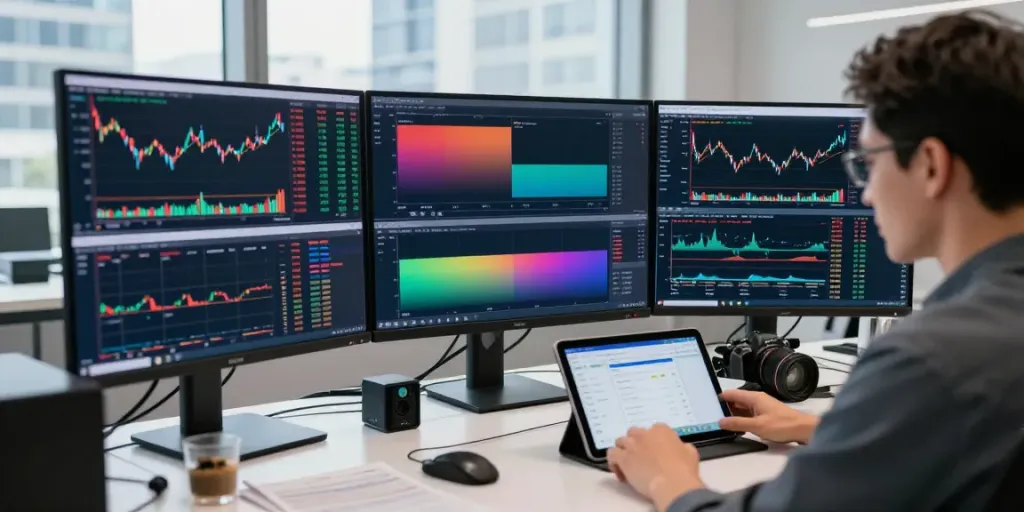
- Heat Maps: Visualizing market trends and identifying hot sectors at a glance.
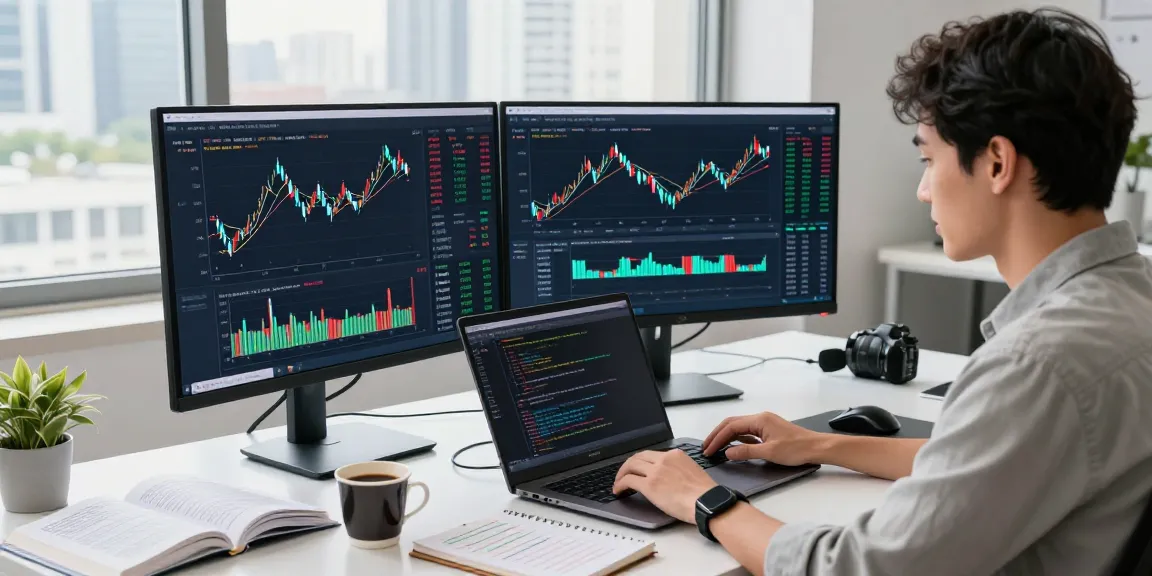
- Custom Indicators: Users can develop their own indicators using Pine Script to tailor their analysis to personal strategies.
- Integration with Brokers: Some regions allow for direct trading through integrated brokers, streamlining the process from research to execution.
Developing a Solid Trading Strategy
Building Your Trading Ritual with TradingView
Establishing a consistent trading ritual is essential for long-term success. Traders can harness TradingView's features to create a structured routine that includes:
- Market Scanning: Utilizing scanning tools to identify potential trades based on criteria like volume, price changes, and technical indicators.
- Visual Analysis: Regularly reviewing charts and making adjustments to strategies based on latest trends.
- Documentation: Keeping a trading journal within the platform to note thoughts, strategies, and outcomes enhances learning and improves future performance.
Utilizing Pine Script for Custom Strategies
Pine Script is TradingView's proprietary scripting language that allows users to create customized indicators and strategies. By leveraging Pine Script, traders can:
- Create Tailored Indicators: Develop personalized tools that fit specific trading styles or market conditions.
- Backtest Strategies: Validate trading ideas by applying them to historical data to assess performance before real-time execution.
- Share with the Community: Enhance your learning by publishing indicators and strategies for feedback and collaboration.
Backtesting Approaches with TradingView's Strategy Tester
Backtesting is crucial for verifying the effectiveness of a trading strategy. TradingView's built-in strategy tester allows traders to:
- Simulate Trades: Replay historical data to see how a strategy would have performed in the past.
- Analyze Performance Metrics: Gain insights into win rates, drawdowns, and profit ratios to fine-tune strategies.
- Make Data-Driven Decisions: Use test results to enhance confidence in trading plans and minimize emotional trading.
Market Analysis Simplified with TradingView
Integrating Multiple Markets into a Unified Interface
Traders are often required to analyze multiple market sectors simultaneously. TradingView excels in providing a unified interface that allows for seamless transitions between different asset classes. By inputting specific codes or asset names, users can easily switch between equities, currencies, and cryptocurrencies without needing to navigate multiple platforms.
Real-Time Alerts and Notifications Explained
The ability to set real-time alerts is one of the standout features of TradingView. Traders can create alerts based on:
- Price Levels: Get notified when an asset reaches a specified price.
- Technical Indicators: Receive alerts based on conditions like moving averages crossing or RSI levels being hit.
- Pattern Recognition: Trigger alerts when specific chart patterns, such as head and shoulders or breakouts, occur.
Community Insights: Leveraging Shared Knowledge
The TradingView community is a treasure trove of knowledge and insights. Users can benefit from:
- Shared Strategies: Access a vast library of user-published ideas and strategies to enhance personal trading methods.
- Discussions and Feedback: Engage in discussions to gain diverse perspectives and improve strategies based on real-world experiences.
- Market Insights: Stay updated on market news and trends shared by fellow traders, which can provide a unique edge.
Leveraging TradingView Across Devices
Using TradingView on Mobile vs. Desktop
TradingView's adaptability across devices ensures that users can remain connected to the markets whether at home or on the go. The mobile app offers:
- Full Functionality: Most features from the desktop version are available on mobile, allowing traders to manage their portfolios anytime.
- Push Notifications: Stay informed with instant alerts sent directly to a mobile device.
Meanwhile, the desktop version provides an expansive workspace suitable for in-depth analysis and complex layouts.
Multi-Screen Setups for Enhanced Trading
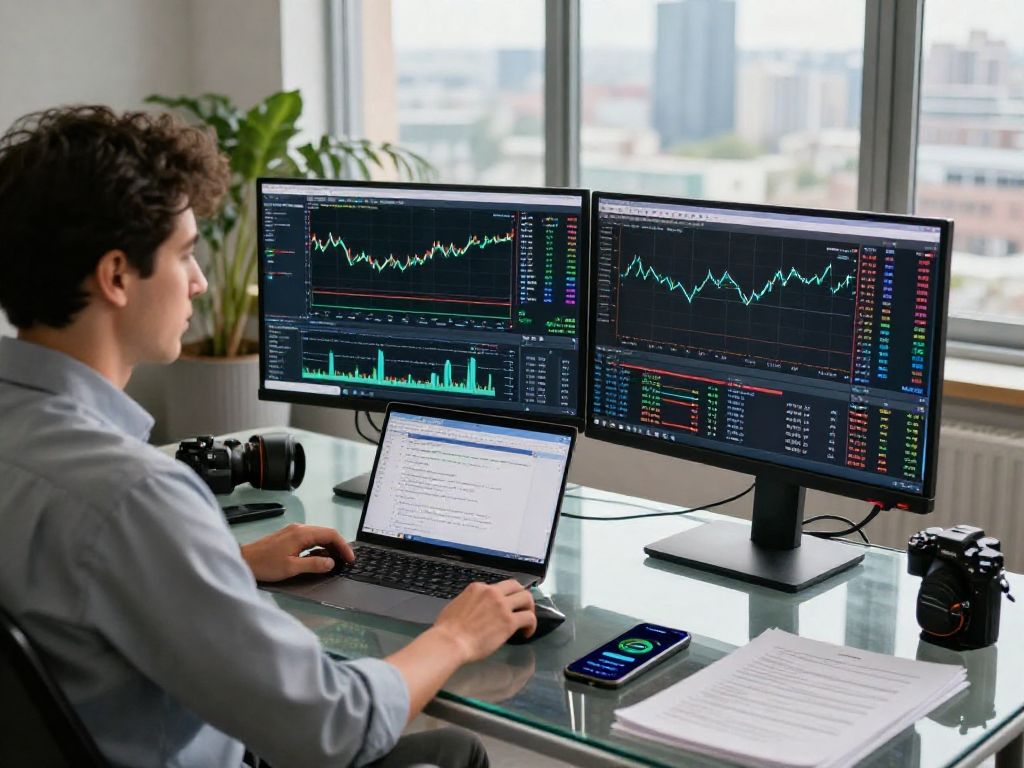
For serious traders, utilizing multi-screen setups can increase productivity and efficiency. With TradingView, users can:
- Monitor Multiple Charts: Simultaneously display various markets, timeframes, or strategies for comprehensive analysis.
- Customize Layouts: Create personalized workspaces that organize tools and charts according to specific trading strategies.
Optimal Workflow for Traders in 2026
As trading technology evolves, optimizing workflows becomes essential. Successful traders in 2026 will prioritize:
- Automated Alerts: Setting up automated notifications to stay ahead of market movements without constant monitoring.
- Continuous Learning: Engaging with community content and webinars to refine skills and knowledge.
- Data-Driven Strategies: Relying on analytics provided by platforms like TradingView to shape trading decisions effectively.
Future Trends in Trading Technology
Predicting the Evolution of TradingView
As we look towards the future, platforms like TradingView are expected to incorporate more advanced technologies:
- Enhanced AI Integration: AI could play a larger role in providing predictive analytics and personalized trading advice.
- Blockchain Applications: Potential integration of blockchain technology for more secure and transparent trading processes.
How AI and Machine Learning Will Influence Trading
AI and machine learning are poised to revolutionize trading strategies by:
- Predictive Analytics: Using historical data to forecast future price movements more accurately.
- Algorithmic Trading: Creating sophisticated algorithms that can execute trades based on real-time data analysis.
Preparing for the Next Generation of Trading Tools
Traders should prepare for the impending technological advancements by:
- Staying Informed: Following industry trends and adapting strategies to incorporate new tools as they emerge.
- Experimenting with New Features: Regularly testing out new functionalities within TradingView to stay ahead of the curve.
How TradingView Enhances User Experience?
TradingView is designed with user experience at its core. Features such as customizable dashboards, intuitive navigation, and visually appealing charts contribute to a positive user experience, making it easier for traders to focus on decision-making rather than grappling with technology.
Is Using TradingView Essential for Successful Trading?
While it may not be essential, using TradingView significantly enhances the trading experience by providing valuable tools and resources that facilitate informed decision-making. Traders leveraging its capabilities often find themselves better equipped to navigate the complexities of the market.
How Can Beginners Get Started with TradingView?
For beginners, getting started with TradingView can be straightforward:
- Create a Free Account: Signing up for a TradingView account allows access to essential features without the need for immediate payment.
- Utilize Tutorials: Engage with available tutorials and community resources to learn how to navigate the platform effectively.
- Start Practicing: Use the demo trading environment to practice strategies and familiarize with the tools before trading with real money.
What Unique Features Set TradingView Apart from Competitors?
TradingView sets itself apart from other trading platforms through:
- A Robust Community: The collaboration features and active user base facilitate shared learning and strategy development.
- Comprehensive Feature Set: Offering tools for both technical analysis and fundamental analysis in a cohesive manner.
What Are the Costs Involved in Using TradingView?
TradingView offers a free version with access to basic features. For those seeking advanced functionalities, several premium subscription tiers are available, each with incremental benefits such as additional indicators, alerts, and priority support.
Can TradingView Support Algorithmic Trading?
Yes, TradingView supports algorithmic trading through its Pine Script language, allowing users to create, backtest, and deploy automated trading strategies. This feature is particularly beneficial for those looking to implement systematic trading approaches based on their analyses.